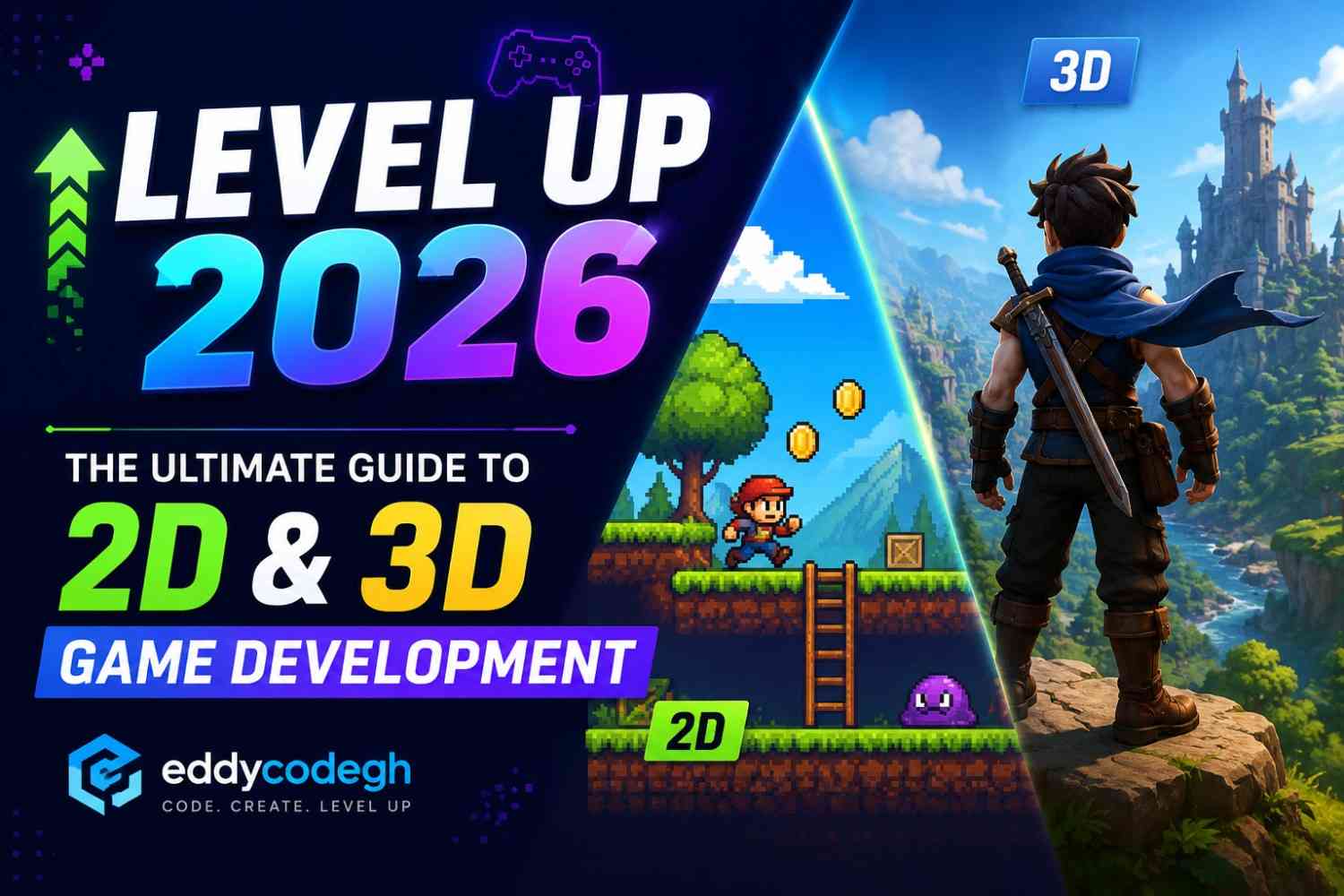
Level Up 2026: The Ultimate Guide to 2D & 3D Game Development
1. Introduction
Game development in 2026 is more exciting than ever. Developers now create immersive 2D and 3D experiences for PC, mobile, console, VR, and web platforms using advanced engines and AI-assisted tools.
Whether you want to build indie platformers, multiplayer shooters, open-world adventures, or mobile puzzle games, modern tools make game development more accessible.
Popular Game Development Areas
- 2D Platform Games
- 3D Open World Games
- Mobile Games
- Online Multiplayer Games
- VR and AR Experiences
- Simulation and Strategy Games
2. Problem
Many beginners struggle with learning game development because there are many tools, programming languages, and concepts involved.
Common Challenges
- Learning programming logic
- Understanding 3D modeling
- Physics and collision systems
- Animation setup
- Game optimization
- Publishing games online
- Managing large game projects
3. Solution
The best approach is to learn gradually and focus on one game engine first.
Best Learning Strategy
- Start with 2D games before moving to 3D
- Learn basic programming fundamentals
- Practice by building small games
- Study game physics and animation
- Join developer communities
- Use version control like Git
4. Step-by-Step Guide to Learning
Step 1: Learn Basic Programming
Learn beginner-friendly languages such as:
- C# for Unity
- C++ for Unreal Engine
- GDScript for Godot
- JavaScript for Web Games
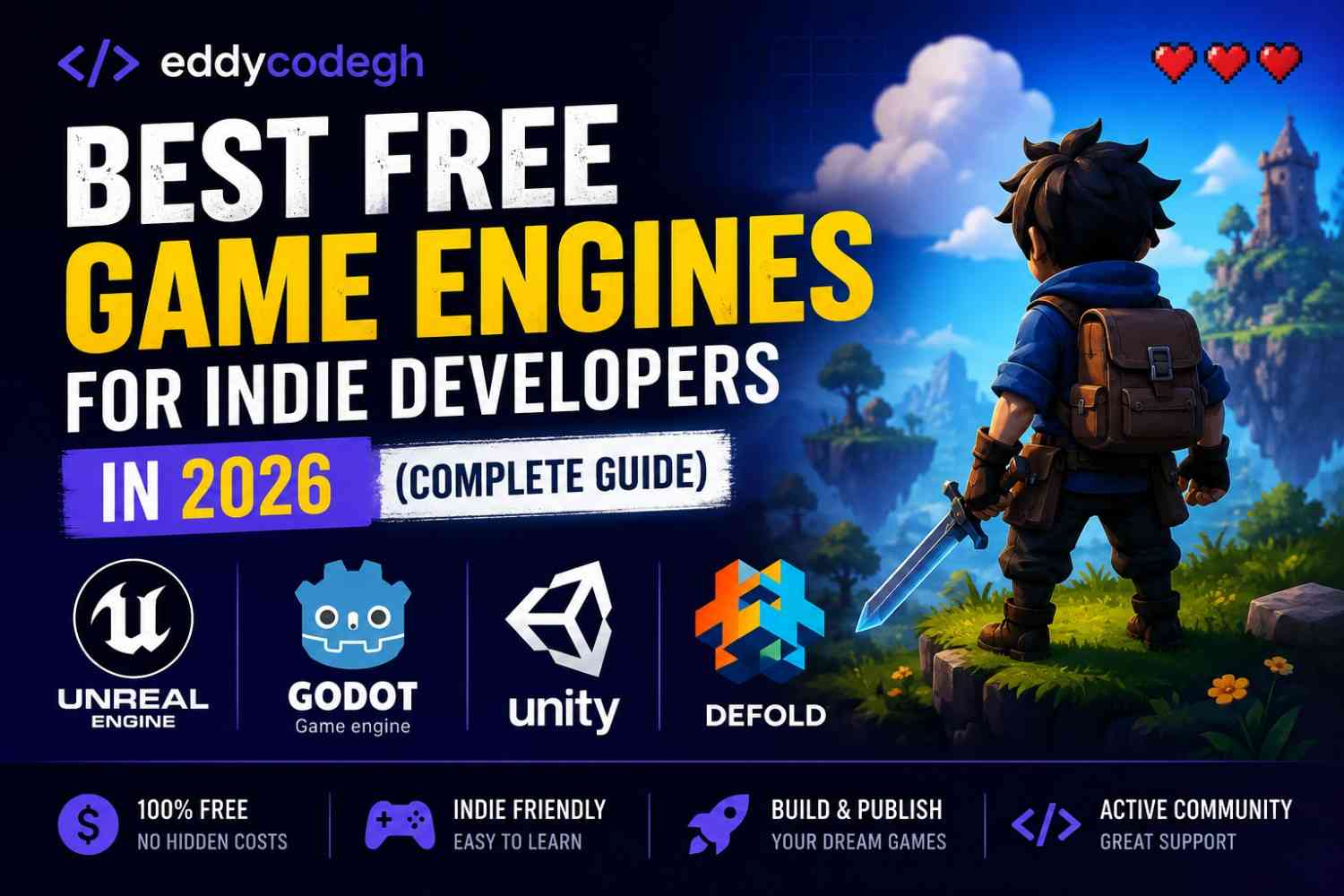
Step 2: Choose a Game Engine
- Unity — Great for 2D and mobile games
- Unreal Engine 5 — Powerful 3D graphics
- Godot — Lightweight open-source engine
- GameMaker — Beginner-friendly 2D engine
Step 3: Build Small Projects
Start with:
- 2D platformer
- Simple racing game
- Space shooter
- Mini RPG
Step 4: Learn Game Design
Study:
- Level design
- Game mechanics
- Player experience
- UI/UX design
Step 5: Publish Your Game
Publish games on:
- Steam
- Google Play Store
- Apple App Store
- itch.io
5. Game Examples and Tools Used
2D Platform Game
Engine: Unity
Language: C#
Tools: Photoshop, Aseprite, Audacity
3D Open World Game
Engine: Unreal Engine 5
Language: C++ / Blueprints
Tools: Blender, Substance Painter, Maya
Mobile Puzzle Game
Engine: Godot
Language: GDScript
Tools: Krita, FL Studio
Simple Unity Movement Script
using UnityEngine;

public class PlayerMovement : MonoBehaviour {

 public float speed = 5f;

void Update() {

   float moveX = Input.GetAxis("Horizontal");
   float moveZ = Input.GetAxis("Vertical");

   transform.Translate(moveX * speed * Time.deltaTime, 0, moveZ * speed * Time.deltaTime);
 }
}
6. Common Errors
Missing References
Happens when objects are deleted but scripts still reference them.
Solution: Reassign missing objects in the inspector.
Game Lag and Low FPS
Caused by heavy textures, poor lighting optimization, or too many objects.
Solution: Optimize textures, use object pooling, and reduce unnecessary rendering.
Physics Bugs
Objects may pass through walls or behave unexpectedly.
Solution: Configure colliders and rigidbody settings properly.
7. Conclusion
Game development in 2026 combines creativity, storytelling, programming, animation, and design into one exciting industry.
By learning gradually and practicing consistently, anyone can start building amazing 2D and 3D games.
The future of gaming belongs to developers who innovate and create immersive experiences for players worldwide.
8. FAQs
Which engine is best for beginners?
Unity and Godot are excellent for beginners because they are beginner-friendly and have large communities.
Should I start with 2D or 3D games?
Starting with 2D helps beginners understand game mechanics before moving into complex 3D systems.
Do I need to know math for game development?
Basic math is helpful, especially for movement, physics, and 3D calculations.
Can I make games without coding?
Yes. Some engines like Unreal Engine provide visual scripting systems such as Blueprints.
How long does it take to become a game developer?
With regular practice, many beginners can build small games within a few months.